目录
准备编译环境
https://github.com/ruffle-rs/ruffle/
安装Rust
bashcurl --proto '=https' --tlsv1.2 -sSf https://sh.rustup.rs | sh
设置代理
bashvim /home/user/.cargo/config.toml
写入如下内容:
bash[http]
proxy = "xxxx:xxx"
[https]
proxy = "xxxx:xxx"
linux 中的环境配置:
bashsudo apt install pkg-config libasound2-dev libudev-dev default-jre-headless g++
开始编译
git clone repo
bashgit clone https://bgithub.xyz/ruffle-rs/ruffle.git
在目录中执行
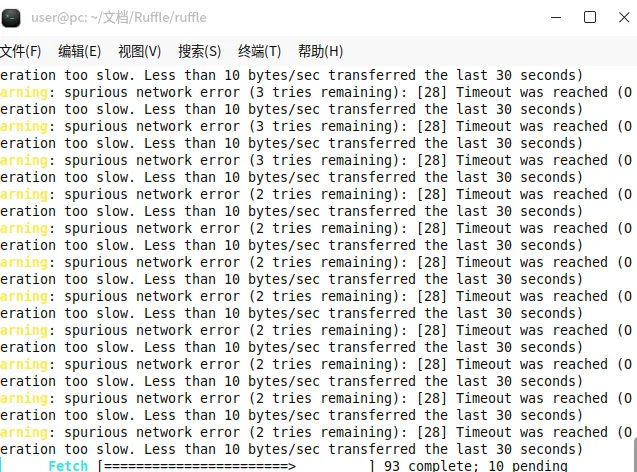
bashcargo run --release --package=ruffle_desktop
本文作者:Maxwell P.
本文链接:
版权声明:本博客所有文章除特别声明外,均采用 CC BY-NC 4.0 许可协议。转载请注明出处!
目录